Near
Soft, then brighter
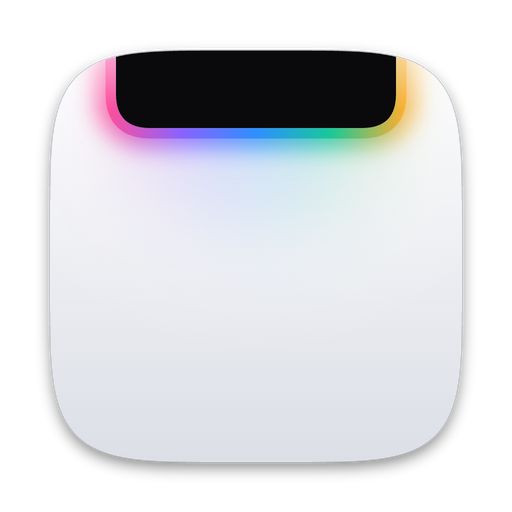
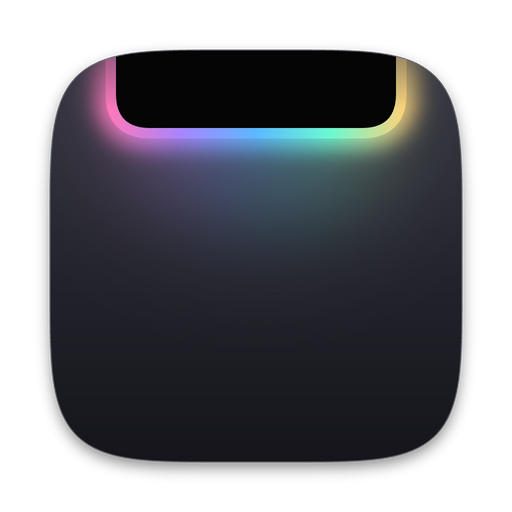
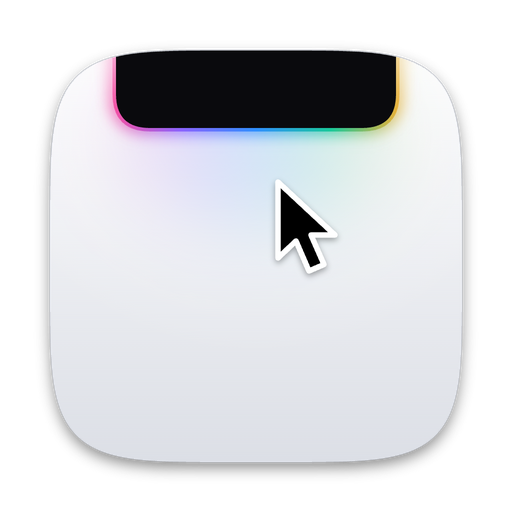
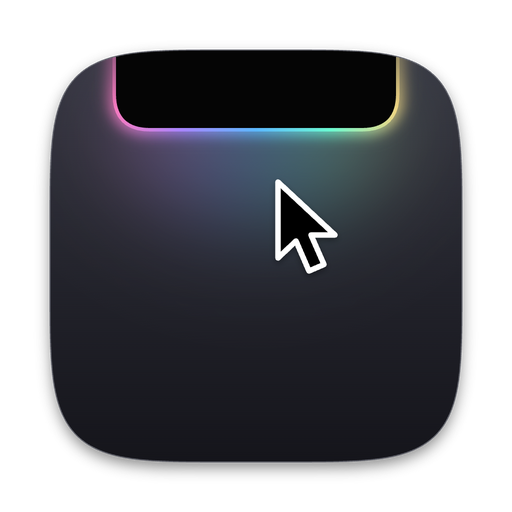
The glow is faint at a distance and stronger as the pointer arrives. You can see Notchy notice you before the panel opens.
For Mac
Notchy is your own Mac app. It turns the notch at the top of the screen into something you can use. A soft light appears as your pointer gets near, and it gets brighter the closer it gets.
Bring the pointer near the notch.
Preview only. This page does not capture your screen.
Glow
Move toward the notch and a soft light appears around it. It gets brighter the closer the pointer gets. It pulses amber when something needs approval, and green when that thing is done.
Near
The glow is faint at a distance and stronger as the pointer arrives. You can see Notchy notice you before the panel opens.
Amber
The light pulses amber when something is waiting on you. A capture the Mac still has to allow is that kind of moment.
Green
The light pulses green when the thing finishes. A screenshot that has been saved is one of those.
Panel
The panel drops down from the notch. Your shortcuts are on top. Screenshots, recording and tools are under them. Settings and Quit are at the corners.
The top row is the apps you chose. Finder, Safari and Terminal are the ones that start there.
The whole screen, an area, or a long scrolling page. Record the screen or an area, with a timer and Stop.
Settings holds the shortcuts and the optional tools. Quit leaves Notchy.
Screenshot
Ctrl Opt Cmd 3
The whole screen, from the panel or from the keys.
Ctrl Opt Cmd 4
The part of the screen you choose.
Ctrl Opt Cmd 7
A long page that does not fit in one view.
When the shot is done, the glow pulses green. The panel can say it was saved to the Desktop.
Record
Ctrl Opt Cmd 5
Starts a recording of the screen. The same shortcut stops it. The panel shows the time and a Stop control.
Ctrl Opt Cmd 6
Starts a recording of the area you choose, and stops it again. The amber pulse is the “needs approval” light.
Tools
Starts at 25 minutes and counts down in the panel.
A place to leave something for a moment.
Reads type that is on the screen.
Reads a code that is on the screen.
Reads the color under the pointer.
Keeps the Mac from sleeping.
Times in other places, from the same panel.
Optional. It uses the camera only if you turn it on.
Optional alerts for Downloads, and the next meeting. Both stay off until you want them.
Shortcuts
| Do this | Keys |
|---|---|
| Screenshot the screen | CtrlOptCmd3 |
| Screenshot an area | CtrlOptCmd4 |
| Screenshot a scrolling page | CtrlOptCmd7 |
| Record the screen, and stop | CtrlOptCmd5 |
| Record an area, and stop | CtrlOptCmd6 |
Full-screen apps
When an app is full screen, Notchy keeps the glow off so it does not cover that app's menus. Only a click opens the panel. The switch under the preview does the same thing on this page.
Guides
Every guide is a page. The blog lists them too.
Questions
Longer versions are in the guides.
A Mac app that turns the notch into shortcuts, screenshots, recording and tools.
A soft light appears as the pointer gets near, and it gets brighter the closer it gets. Amber means something needs approval. Green means it is done.
Rest the pointer on the notch, or click it. In a full-screen app, only the click opens it.
Control, Option and Command, with 3, 4 and 7 for screenshots, and 5 and 6 for recordings.
No. The notch on this page is a preview. It does not take a screenshot, record, or turn a camera on.
Write to hello@jabble.si. This site does not take payment.